


Smart Desk Lamp for Eye Strain: What Actually Works
Table of Contents
- What Makes a Smart Desk Lamp Actually Reduce Eye Strain
- Best Light Color for Eye Strain and Focus
- Desk Lamp Brightness for Working Without Strain
- Frequently Asked Questions
Last Updated: October 10, 2026
What Makes a Smart Desk Lamp Actually Reduce Eye Strain
Eye strain from screen time causes fatigue, headaches, and focus problems. A smart desk lamp eye strain solution delivers the right brightness, color, and positioning to combat it.
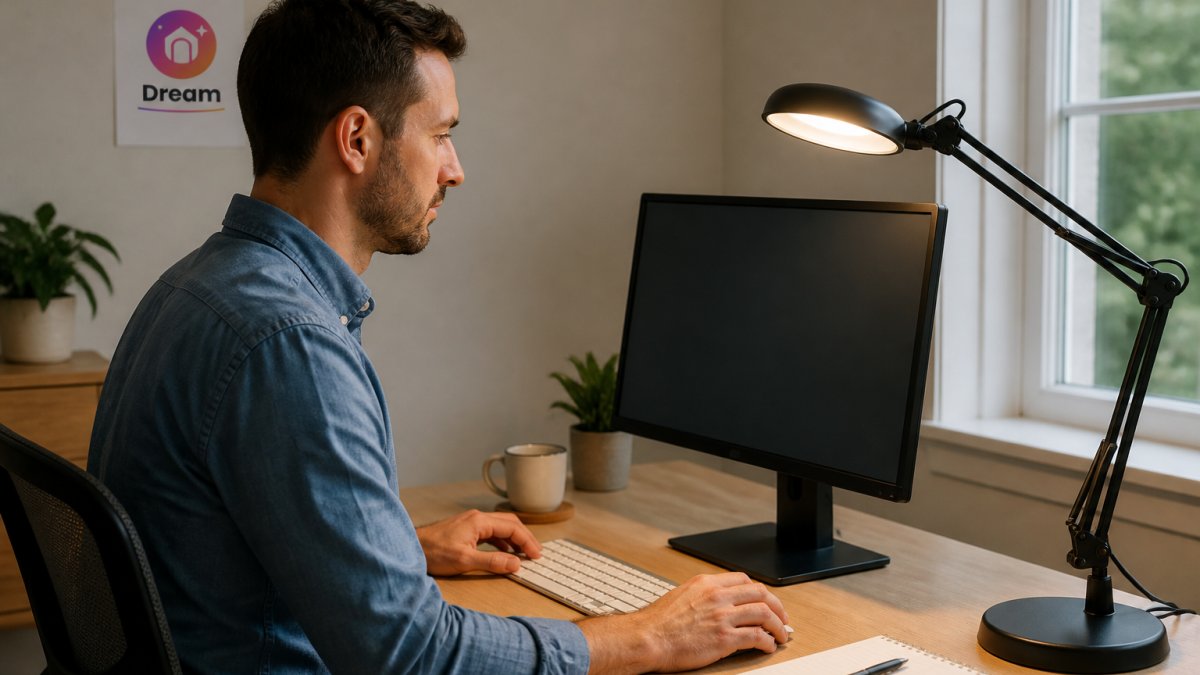
Three factors reduce eye strain: positioning, brightness control, and color temperature. Position your lamp to the side of your monitor to illuminate your desk without creating screen glare. Dimming controls and color temperature shifts protect your vision across the day.
Best Light Color for Eye Strain and Focus
Use cool light (4000-5000K) during morning and afternoon work, then shift to warm light (2700-3000K) in the evening to reduce blue light exposure and align with your circadian rhythm.
Research from the American Academy of Ophthalmology suggests that excessive blue light exposure, especially in evening hours, can strain your eyes and disrupt sleep patterns. A smart lamp that adjusts color temperature automatically removes the guesswork.
Many people feel relief within days of switching to warmer evening light.
Monitor Light Bar – USB LED Screen Lamp with Stepless Dimming →
Desk Lamp Brightness for Working Without Strain
For desk work, aim for 300-500 lux on your work surface. Stepless dimming lets you match your exact environment and prevents eye strain from fighting inadequate or excessive light.
Finding the right smart desk lamp eye strain reducer comes down to three things: positioning it correctly, matching light color to time of day, and controlling brightness to suit your space. At Dream Deal Shop, we stock the Monitor Light Bar - USB LED Screen Lamp with Stepless Dimming, which sits on top of your monitor and eliminates desk space constraints while delivering stepless brightness control exactly when you need it. It's designed for home offices, gaming setups, and anywhere desk space is tight. You'll also find complementary Tech Accessories and Office & Stationery items to complete your workspace setup. First-time customers get 10% off your first order, shop today to secure yours before it sells out.

Frequently Asked Questions
What color light is best for reducing eye strain during screen work?
Warm white light (2700K-3000K) is gentler on the eyes during evening and long work sessions, while neutral white (4000K-5000K) suits daytime and focused tasks. The key is avoiding harsh, flickering light and positioning your lamp to eliminate glare on your monitor. Adjustable color temperature lets you match your lighting to your task and time of day, reducing eye fatigue significantly.
What brightness should a desk lamp be for working comfortably?
Aim for 300-500 lux on your work surface, enough to read and see details without squinting or creating harsh shadows. Most quality desk lamps offer stepless dimming so you can fine-tune brightness to your space and task. Too bright causes glare; too dim forces your eyes to work harder. A monitor light bar like the one at Dream Deal Shop sits above your screen and lights only your desk, avoiding direct monitor glare while keeping your workspace evenly lit.
Are smart desk lamps compatible with Alexa and other voice assistants?
Many smart desk lamps work with Alexa, Google Home, and app-based control, letting you adjust brightness and color temperature without touching the lamp. Check compatibility before buying. Voice control is useful if you're juggling calls or tasks, but the most important feature for eye strain is the ability to dim and adjust color temperature smoothly, whether by app, remote, or manual control.