

How to Spot Fake Online Discounts: 2026 Guide
Table of Contents
- Why Fake Discounts Are Getting Harder to Spot in 2026
- Recognize the Signs of a Fake Online Store
- How to Check If a Website Is Safe to Buy From
- Use Price History Tracking to Expose Inflated Original Prices
- How to Verify Product Quality Before You Buy
- Mobile-Specific Scam Indicators and Impulse Buying Traps
- What to Do If You Fall for a Fake Discount: Post-Purchase Recourse
- Conclusion: Shop Smarter, Not Scared
- Frequently Asked Questions
Last Updated: September 17, 2026
Why Fake Discounts Are Getting Harder to Spot in 2026
Fake online discounts are pricing tricks that make a normal price look like a special deal, from dishonest sellers or real stores using inflated "was" prices. Either way, you pay more than you should.
Recognize the Signs of a Fake Online Store
The clearest signs of a fake online store are a new domain, no real contact details, and prices far below everyone else. One red flag means nothing; three together mean trouble.
Watch for these warning signs:
- The site launched recently, often within months
- No phone number, address, or company name anywhere
- Prices 50% or more below every other seller
- Only one payment method, usually a bank transfer
- Grammar errors in product descriptions and policy pages
- No return policy, or a policy full of contradictions
Lookalike Websites and Domain Spoofing
Domain spoofing is when a scam site copies a real brand's name with a tiny change. The logo and layout match; only the web address differs.
Social Media Ads and Urgency Tactics
Urgency tactics push you to buy before you think. Countdown timers. "Only 2 left!" banners. "Deal ends in 10 minutes" pop-ups.
How to Check If a Website Is Safe to Buy From
You can check if a website is safe to buy from in about two minutes: look for a secure checkout, real contact details, and a verifiable track record.
Run this quick check before you enter card details:
- Look for the padlock icon and "https" in the address bar
- Scroll to the footer for a company name and address
- Search the store name plus the word "scam"
- Check the return and refund policy in full
- Test customer service with one email before you order
SSL Certificates and Secure Checkout
An SSL certificate encrypts the data you send to a site, stopping others from reading your card number in transit. But a padlock doesn't mean the store is honest, scam sites get certificates too. It only proves the connection is private, not that the seller is real.
Browser Security and Extension Safety
Browser security is your first line of defense, but only if you keep it updated. Most browsers now warn you about known phishing sites, turn those warnings on and never click past them.
Use Price History Tracking to Expose Inflated Original Prices
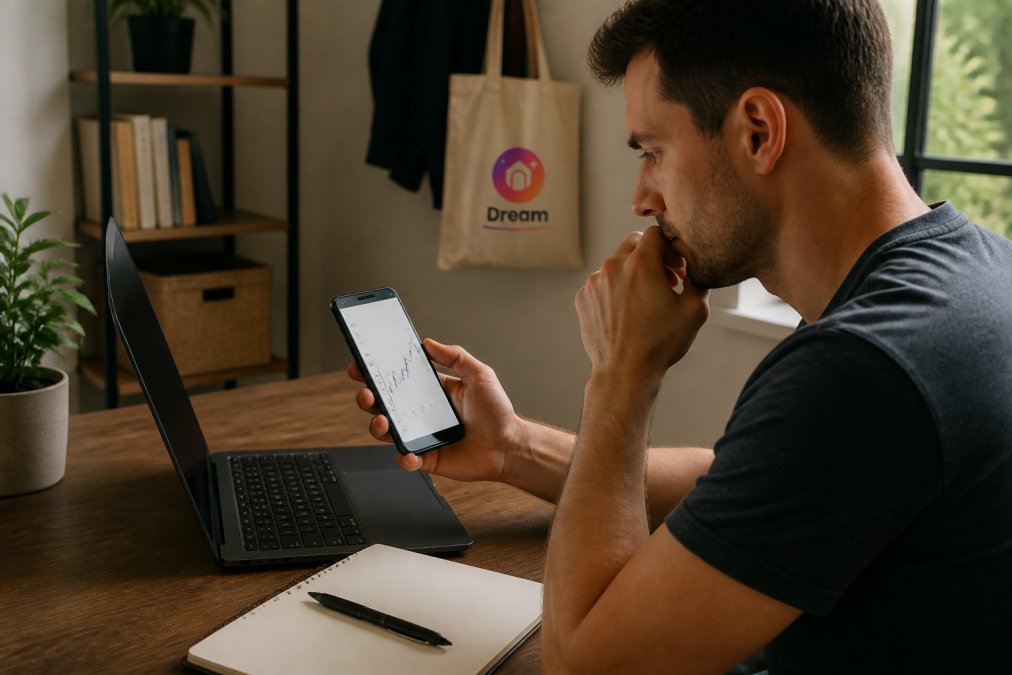
Price history tracking shows what a product actually cost over time. That kills the inflated original price trick, where a seller marks up a price, then "discounts" it back to normal.
Here's how to use it:
- Copy the product name or URL
- Paste it into a price history tool
- Check the lowest price in the last 6-12 months
- Compare that low to the "sale" price today
How to Verify Product Quality Before You Buy
To verify product quality before you buy, read reviews across several sites, not just the seller's page, and look for buyer photos and complaints about returns.
Fake reviews are common. Watch for:
- Dozens of 5-star reviews posted on the same day
- Reviews that praise shipping speed but never mention the product
- Perfect grammar in every review, with no specifics
- No reviews below 4 stars anywhere
Seller Reviews, Ratings, and Customer Feedback
Seller ratings only help if they're independent. A rating hosted on the seller's own site proves nothing.
Mobile-Specific Scam Indicators and Impulse Buying Traps
Mobile shopping hides the clues: small screens cut off web addresses, app stores bury seller details, and one-tap checkout removes the pause where doubt kicks in. But the biggest mobile threat isn't a fake website, it's the discount arriving as a text or WhatsApp forward.
Why SMS and WhatsApp Discount Scams Are Different
A phishing email usually asks you to click a link and log in. An SMS or WhatsApp discount scam skips the fake login page entirely and goes straight for payment.
A common pattern looks like this:
- You get a text from an unknown number: "Your [brand] order is held. Confirm shipping for 50% off."
- The link opens a page that looks like the brand's mobile site, but the URL is a shortener or a lookalike domain.
- The page asks for your card number, CVV, and billing address, not a password.
- The charge goes through, and the confirmation page is the last thing you ever see.
Red Flags Unique to Messaging Apps
- The sender is a personal number, not a short code or verified business account
- The message uses a shortened link (bit.ly, tinyurl, or a random string)
- The offer is tied to a delivery problem you don't remember having
- The sender asks you to "confirm" payment details you already have on file
- The message arrives outside normal business hours for the brand
WhatsApp adds another layer: forwarded messages. A discount forwarded by a friend feels trustworthy, but the original sender may be a bot. If the message carries the "Forwarded many times" label, treat the offer as unverified until you confirm it on the brand's official app or website.
App Store and In-App Traps
- App permissions: A shopping app that asks for contacts, SMS access, or accessibility services is overreaching. A discount app needs none of those.
- In-app-only deals: If a discount exists only inside an app and never on the brand's website, that's a warning sign. Legitimate retailers usually honor the same price across channels.
- Price switching: Some sites show higher prices to mobile users or returning visitors. Check the same product on a desktop before you buy.
- One-tap checkout: Saved card details remove the moment where you'd normally review the seller. Turn off one-tap for unfamiliar stores.
The Two-Minute Mobile Rule
Before any mobile purchase, switch to a desktop or tablet. See the full URL, read the full policy, and check the price on a second device. The extra minute is the best defense against impulse-buying traps engineered for small screens.
What to Do If You Fall for a Fake Discount: Post-Purchase Recourse
Act fast, the first 24 hours matter most. Call your card issuer, dispute the charge, and change any passwords you used on the site. Your odds of recovery depend on how you paid.
Step 1: Freeze the Damage
Before you dispute anything, stop the bleeding:
- Call your card issuer and ask them to block the card and issue a new number. This stops repeat charges.
- Change passwords for any account you created on the site, and anywhere you reused that password.
- Turn on two-factor authentication on your email and banking accounts if it isn't already on.
- Check your statements for small test charges, scammers often run a $1-$5 charge first to see if the card works.
Step 2: File a Chargeback, and Know What It Requires
A chargeback reverses a card payment when goods never arrive or aren't as described. Banks handle these under card scheme rules, and most let you file online or by phone.
What banks typically ask for:
- The order confirmation or receipt
- The seller's website URL and any communication
- A description of what you ordered versus what you received (or didn't)
- The date you expected delivery
- Screenshots of the product page and any chat or email with the seller
Step 3: Understand the Payment-Method Trade-Off
Your recovery odds depend heavily on how you paid:
- Credit card: Strongest protection. Chargeback rights are built into card scheme rules.
- Debit card: Similar process, but the money leaves your account first. Recovery can take longer and may depend on your bank's policy.
- PayPal or similar: These platforms have their own buyer protection programs. File a dispute through them as well as your card issuer.
- Bank transfer or wire: Very hard to reverse. Once the money leaves, recovery usually requires law enforcement involvement.
- Gift cards or crypto: Effectively unrecoverable. This is why scammers push these methods.
If you paid by bank transfer, contact your bank immediately anyway. Some banks can recall a transfer if it hasn't been collected yet, but the window is short.
Step 4: Report the Site
Reporting creates a record that supports your dispute and helps regulators spot patterns.
- National consumer protection body: In the U.S., that's the FTC at ReportFraud.ftc.gov. In the U.K., it's Citizens Advice or Action Fraud. In the EU, your national consumer authority.
- The platform that hosted the ad: If you found the site through a social media ad, report the ad. Platforms remove repeat offenders faster when multiple users flag them.
- Your card issuer: Even if you don't file a chargeback, tell them the merchant is fraudulent. They track this.
Step 5: Watch for Follow-Up Scams
Once your information is out there, expect a second wave: calls from someone claiming to be your bank's fraud department, emails offering to "recover your lost funds" for an upfront fee, and texts claiming your refund is pending. None of these are real. Your bank will never ask for your full card number or PIN over the phone, and recovery-fee offers are always scams.
Conclusion: Shop Smarter, Not Scared
Real deals exist, you just have to separate them from the noise. Check the seller, the price history, and the reviews.
Frequently Asked Questions
How do I know if a discount code is legitimate?
Legitimate discount codes usually come from the retailer's official website, email newsletter, or verified social media accounts. Check the code's expiration date and terms. If a code is shared on a suspicious third-party site or social media ad, verify it by visiting the retailer directly. Fake codes often lead to phishing sites that steal your payment details. Use a search engine to see if other shoppers have reported issues with the code.
What are the signs of a fake online store?
Common signs include prices that are unrealistically low, missing contact information, no return policy, and a website that looks like a known brand but has a slightly different URL. Check for poor grammar, generic product photos, and a lack of customer reviews. If the site pressures you with countdown timers or limited stock claims, be cautious. Always look for a physical address and a working phone number.
How can I verify if an online shop is trustworthy?
Start by checking the URL for HTTPS and a valid SSL certificate. Look for a privacy policy and clear terms of service. Read reviews on independent sites like Trustpilot or the Better Business Bureau. Use price history tools to see if the discount is real. Verify the seller's social media presence and check how long the domain has been registered. A trustworthy shop will have consistent branding and responsive customer service.
What should I do if I suspect a discount is a scam?
Stop the transaction immediately if you haven't paid. If you've already paid, contact your credit card issuer to dispute the charge and request a chargeback. Report the site to consumer protection agencies and the platform hosting the ad. Change any passwords you entered on the site. Monitor your bank statements for unauthorized charges. Document everything, including screenshots and emails, to support your case.